| RUSSIAN VERSION |
Project, ideas: Dr. Dmitriy Vatolin
Implementation: Oleg Petrov
Here you can see description of MSU StegoVideo tool settings if you want to use it as standalone program.
Go to main
tool page for a general info about this tool or go to filter settings page if you want to use this tool as VirtualDub filter.
[an error occurred while processing this directive]
Unpack msu_stegovideo_exe.zip in any folder and run "MSU_stego_video.exe".
[an error occurred while processing this directive]
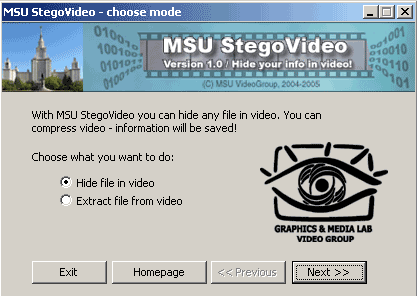
1. Choose mode
When you start program, you should choose what you want to do: to extract file from video or to hide file in video. Check "Hide file in video" and click "Next".
2. Choose files
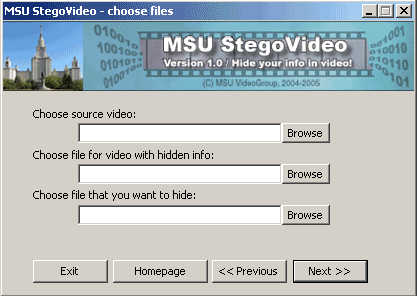
On this step you should choose file that you want to hide (small *.txt files recommended), video file in which info will be hidden and file for resulting video. Video files must have ".avi" extension.
3. Choose compression mode
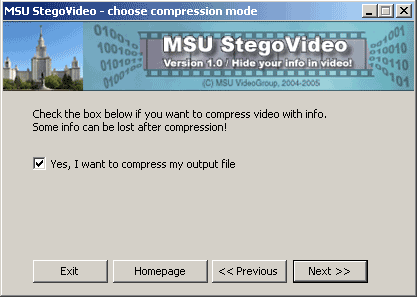
Check box on this step if you want to compress video with info (you will be adviced to choose codec later). Warning: some info can be lost after compression! Don't use very low bitrates; bitrates from 800 kbps are recommended.
4. Choose hiding parameters
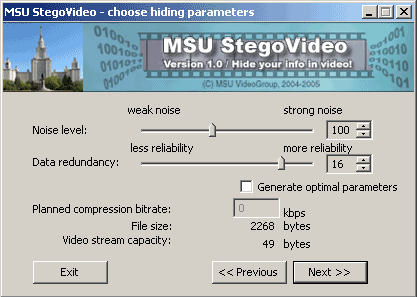
5. Save passcode
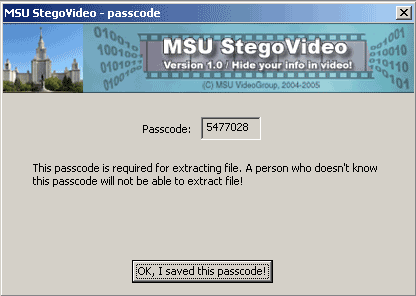
6. Hiding info
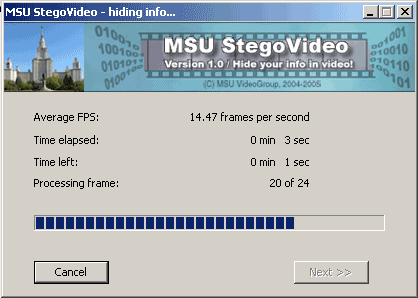
[an error occurred while processing this directive]
1. Choose mode
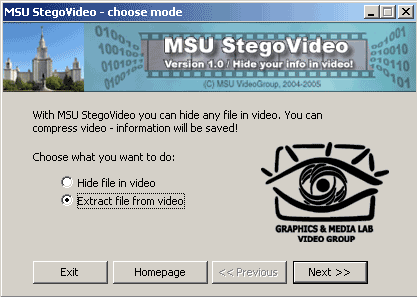
Start the program. To extract file from video check "Extract file from video" and click "Next".
2. Choose files
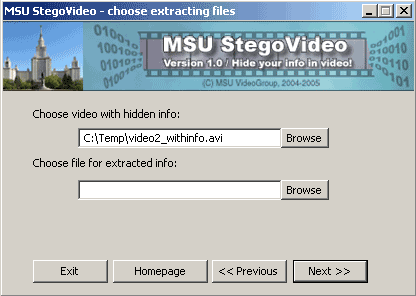
On this step you should choose file from which you want to extract information and file in which you want to save it. Video file must have ".avi" extension.
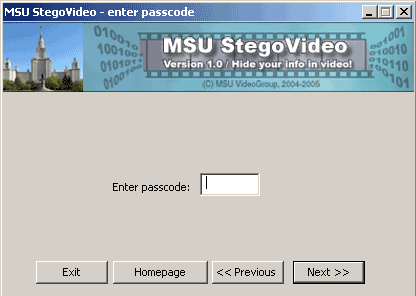
3. Enter passcode.
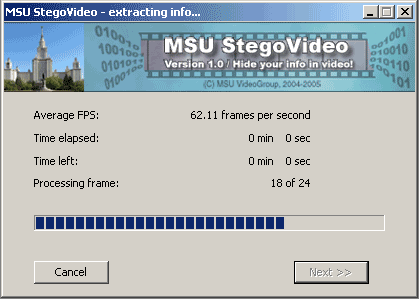
4. Extracting info.
[an error occurred while processing this directive]
| Email: |  |